
Download EyeSpeak English – pronunciation, English, learn, speaking, interactive, practice, language, app, guide, conversation
Overview
EyeSpeak English is a mobile application designed to help users improve their English pronunciation through structured, interactive learning. The app focuses on real-world speaking skills by encouraging users to repeat words, phrases, and full conversations until their delivery sounds natural. It targets learners of all levels who are looking to enhance clarity, intonation, and confidence in spoken English. The app is particularly beneficial for non-native speakers aiming to communicate more effectively in everyday situations, such as travel, job interviews, or social interactions.
EyeSpeak English was developed by EyeSpeak, a company dedicated to language learning tools that emphasize pronunciation accuracy. Although the developer did not provide additional technical details about the app’s development philosophy or target demographics, the app’s long-standing presence since its release on January 29, 2009, suggests a consistent user base and ongoing relevance in the language learning space. Its core function—improving spoken English through repetition and feedback—addresses a common challenge in language acquisition: the gap between understanding and speaking fluently.
Real-world use cases include preparing for public speaking, practicing for language exams, or simply building confidence in daily conversations. The app’s focus on pronunciation over grammar or vocabulary makes it a valuable supplement to broader language programs. In the broader app ecosystem, EyeSpeak English occupies a niche role as a specialized tool for auditory and vocal learning, filling a gap left by general language apps that often overlook speaking mechanics.
Key Features & Functionality
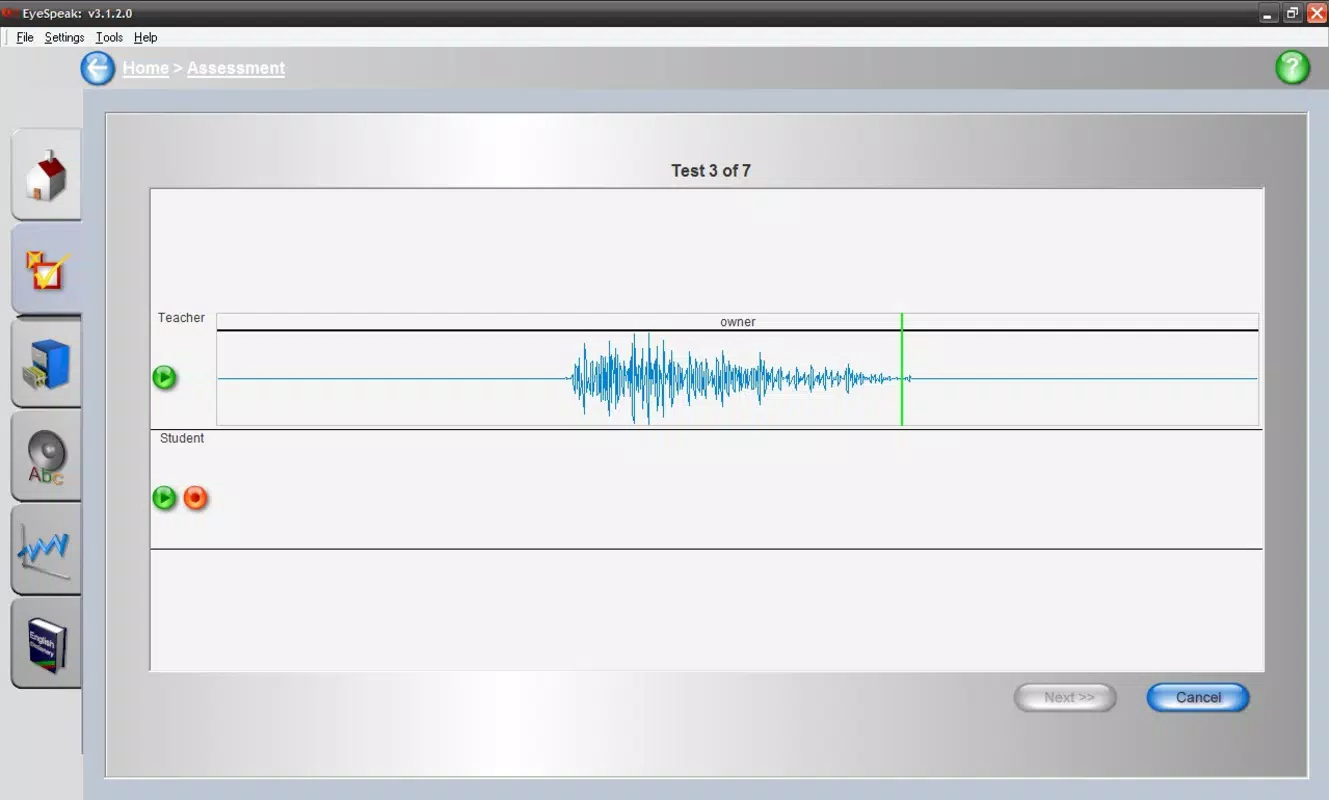
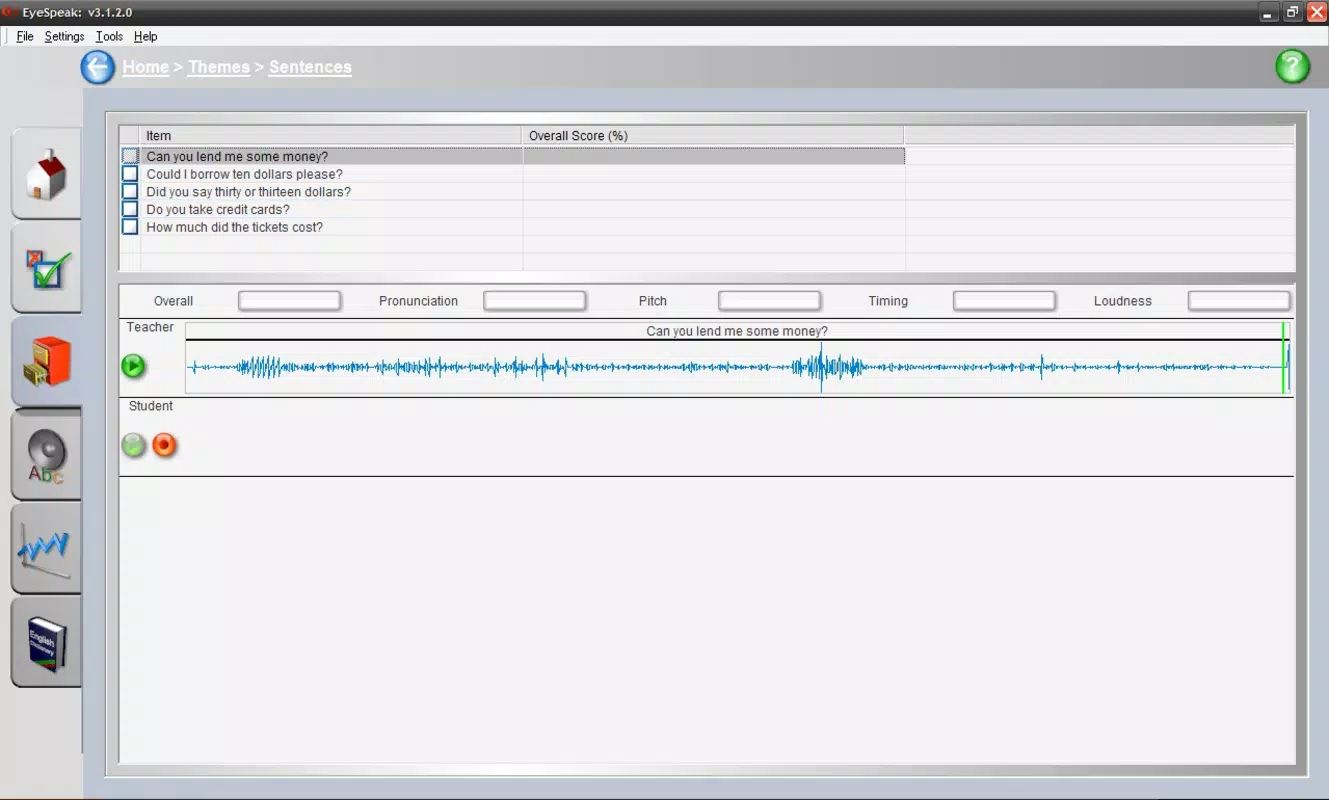
- Pronunciation Guides: The app includes two introductory guides that introduce users to the pronunciation of common English words and phrases. Examples such as "all," "boat," and "how much did the tickets cost?" are used to demonstrate vowel and consonant sounds, helping learners build foundational speaking skills.
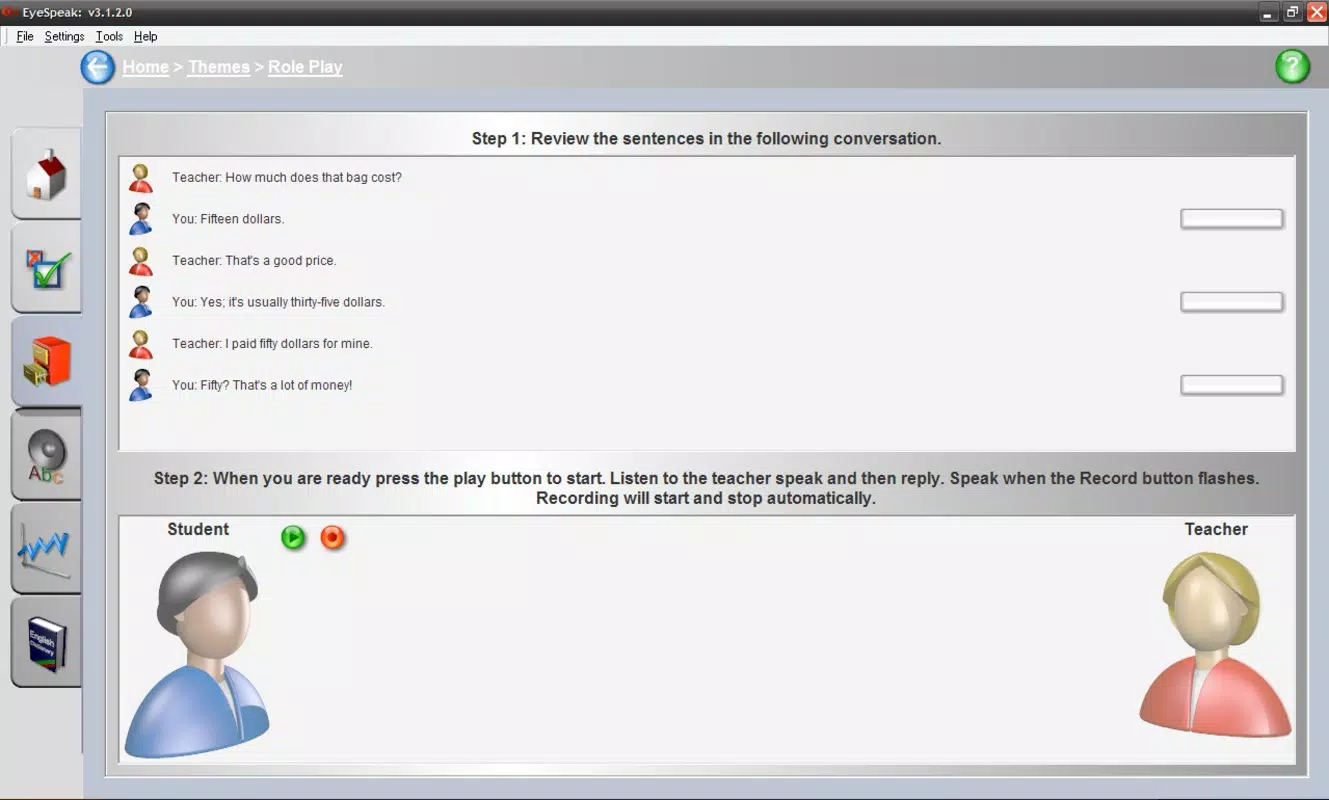
- Interactive Conversations: Users engage in simulated dialogues with virtual characters, requiring them to respond clearly and accurately. This feature mimics real-life interactions, promoting active speaking and listening skills in a low-pressure environment.
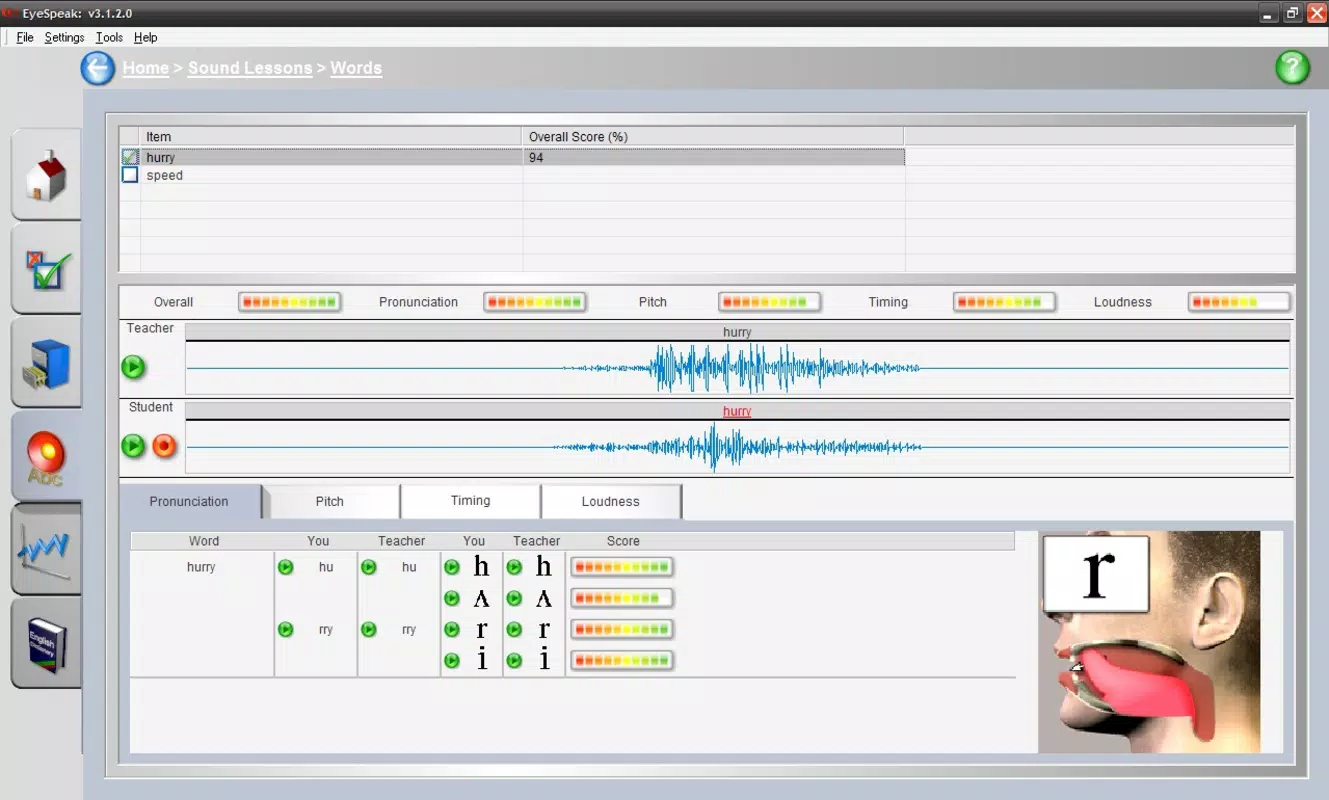
- Sound Assessment Tool: The app evaluates users’ pronunciation in real time, identifying where intonation or articulation may be off. Immediate feedback allows learners to correct mistakes on the spot, supporting targeted improvement.
- Progress Tracking: The app saves user scores and performance history, enabling learners to monitor their development over time. This feature helps maintain motivation and provides tangible evidence of improvement.
These features work together to create a structured learning path. For example, a user might begin with the pronunciation guides to master individual sounds, then move to short conversations to apply those skills. The sound assessment tool ensures that errors are caught early, while progress tracking reinforces consistency. This layered approach supports diverse learning styles—visual, auditory, and kinesthetic—by combining listening, speaking, and feedback in a single interface.
Interface, UX & Performance
The user interface of EyeSpeak English appears to be designed with functionality over aesthetics, focusing on clear navigation and direct access to core features. The layout likely follows a linear progression, guiding users from initial lessons to more complex conversations. Navigation is expected to be intuitive, with minimal distractions to maintain focus on pronunciation practice.
Visual style is likely minimal, prioritizing text and audio cues over decorative elements. This approach supports the app’s educational purpose by reducing cognitive load and keeping users engaged with the task at hand. The app’s performance is expected to be stable on a range of Android devices, given its relatively small file size of 23.4 MB and long history on the platform. Although the developer did not list formal performance metrics, the app’s continued availability suggests it runs reliably across various device categories.
Responsiveness is likely consistent, with quick loading times for audio and feedback. Stability appears to be a strength, as the app has remained available since 2009 without reported widespread issues. Users can expect smooth transitions between lessons and conversation simulations, though specific benchmarks were not provided.
Platform Compatibility & Technical Requirements
EyeSpeak English is available exclusively on the Android platform. The app is compatible with Android devices running the version specified in the release information. The file size is 23.4 MB, indicating a lightweight application that requires minimal storage space.
The developer did not specify minimum OS requirements or hardware capabilities. As such, compatibility with older or newer Android versions cannot be confirmed. However, given the app’s release date of January 29, 2009, it is likely optimized for legacy Android systems, though it may still function on modern devices. Users should ensure their device meets general Android compatibility standards for running third-party apps.
Pros and Cons
Pros
- Free to download and use, making it accessible to a wide audience.
- Focuses on pronunciation, a critical but often overlooked aspect of language learning.
- Interactive conversations simulate real-life speaking scenarios.
- Immediate feedback helps users correct errors in real time.
- Progress tracking supports long-term motivation and skill development.
Cons
- Only available on Android, limiting access for iOS users.
- Developer did not provide detailed technical specifications or system requirements.
- App has not been updated since 2009, raising concerns about compatibility with current Android versions.
- Minimal visual design may feel outdated to modern users.
- Limited feature set compared to contemporary language learning apps.
FAQ
Is EyeSpeak English safe to download?
Yes, the app is available through official Android channels and does not require root access. As a free app with a long history, it has not been flagged for security issues.
Can I use EyeSpeak English without an internet connection?
Yes, the app likely functions offline, as it relies on pre-recorded audio and local processing for pronunciation assessment.
Is the app compatible with iOS devices?
No, EyeSpeak English is currently available only on Android. There is no official iOS version.
How often is the app updated?
The app has not been updated since its release on January 29, 2009. Users should be aware of potential compatibility issues on newer Android systems.
Does EyeSpeak English require special permissions?
The developer did not disclose specific permissions. However, as a language learning app, it may require access to the microphone for pronunciation assessment.
Final Thoughts + CTA
EyeSpeak English remains a dedicated tool for learners focused on mastering spoken English through repetition and feedback. While its interface and technical updates may feel dated, its core functionality—pronunciation practice, interactive conversations, and progress tracking—remains relevant. The app is particularly valuable for users who prioritize speaking clarity over comprehensive language coverage.
Despite its age, the app continues to serve a niche audience seeking a straightforward, no-frills approach to pronunciation training. Its free price point and long-standing presence make it a low-risk option for those exploring language learning tools.
For anyone looking to improve their spoken English with a focused, interactive experience, EyeSpeak English offers a proven path forward. Download EyeSpeak English now.


